



Item is in your cart
There are 0 items in your cart. There is 1 item in your cart.
-
-
 English
- Certified shop for software activations with buyer protection up to €20,000
 Deutsch
Activation Nuance OmniPage Ultimate 19
Activation key only - No license to use1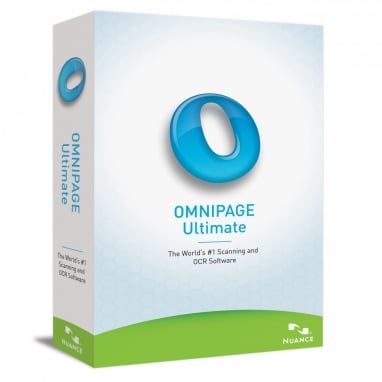
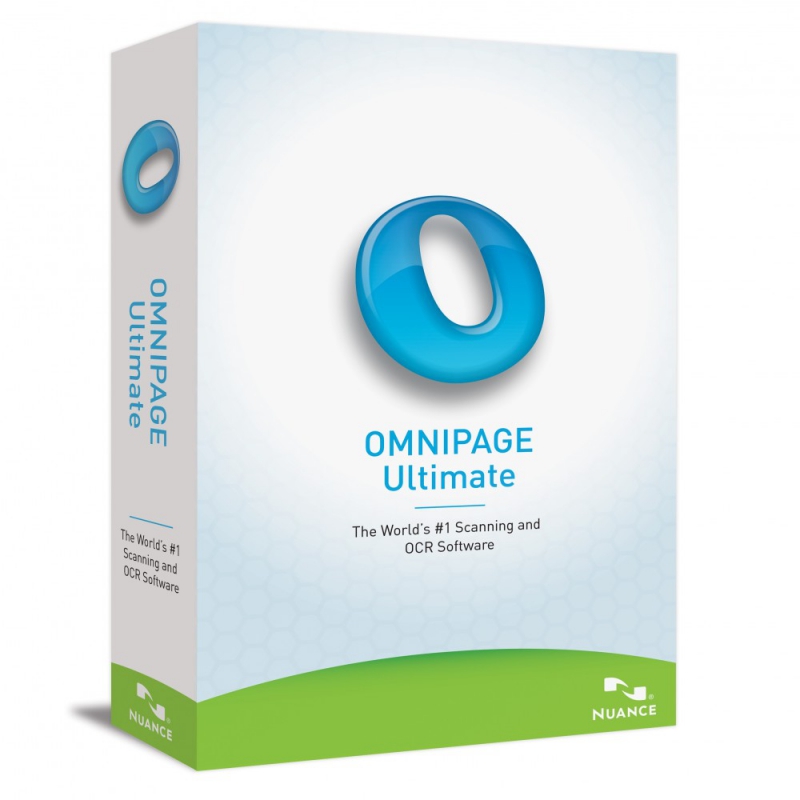

With "OmniPage" you can convert scanned documents, PDF files and digital images into text files. This is useful if, for example, you only have a paper template and nothing more than a file. When you scan the document, OmniPage creates a digital template from it that you can edit with a word processor such as Microsoft Word.












- Instant activation
Delivery with tutorial via e-mail - Safe shopping
30 days right of return & SSL encryption - Technical support
We help you Free of Charge

All you need to do is purchase the desired software activation, and you will immediately receive an email with your activation key and instructions. Then, install the software using our illustrated step-by-step guide and complete the activation with your key.
Your activated software in 3 easy steps:
-

Buy
Purchase securely with SSL encryption and protected payment methods.
-

Install
Install the software using the provided instructions.
-

Activate
Activate the software using the key from our email.
Why we are the right choice for you!
With us, you purchase original software activations at low prices without compromising on service. Should you encounter any issues despite our detailed instructions, our IT experts are, of course, at your disposal and will be happy to help you via live chat or email—if necessary, even via remote maintenance!
Furthermore, you are on the safe side with our products. As part of our commercial duty of inspection, we regularly check the offered goods for their activatability.
Do you have questions about the software activations offered or do you need a custom quote? Simply contact us via the contact form or our live chat, and we will be happy to assist you with your selection.

What you need to know about requirements?
Here you will find an overview of the most important requirements and product details. Please check them before buying to avoid installation problems.
| Validity Time | time-unlimited activation |
| Devices | 1 |
| Operating System | Windows |
| Download | Installation file (.exe) |
| Processor | min 1 GHz Intel® Pentium® III |
| RAM-Memory | 1 GB |
| Free HDD Memory | 2.7 GB |
Digitize documents so you can work like tomorrow
With OmniPage Ultimate, your company can work today like the workforce of tomorrow. Generate accurate and efficient document conversions by:
PDF search
Use the eDiscovery Assistant to securely convert a single PDF or multiple batches of PDF in any format into fully searchable documents.
Improved accuracy
Enjoy the exceptional OCR accuracy of digital camera images. Document layout improvements will faithfully reproduce your documents in a variety of output formats.
OmniPage Launchpad
OCR in any format, anywhere on the network, and archive and access documents on any device.
Batch processing
Schedule large amounts of data for batch processing from folders or emails with unattended automation for real-time document processing.
Scanner integration
Works with any scanner - mobile scanners, desktop scanners, all-in-one and multifunction printers.
Mobile document capture
Capture text with a digital camera or smartphone and quickly convert images to text documents.
voice recognition
Process, edit and save documents from virtually anywhere in the world. The tool recognizes over 120 languages.
Supported Applications
Enjoy support for a wide variety of output formats, including PDF, Microsoft® Word, Excel®, PowerPoint®, Corel® WordPerfect®, HTML, ePub and many more.