



Item is in your cart
There are 0 items in your cart. There is 1 item in your cart.
-
-
 English
- Certified shop for software activations with buyer protection up to €20,000
 Deutsch
Activation Microsoft Excel 2013
Activation key only - No license to use1 Microsoft Excel 2013
Microsoft Office
Microsoft
Microsoft Office
14
381
381__Typ - Aktivierung aus Volumenvertrag (EU)
265
Microsoft Excel 2013
Microsoft Office
Microsoft
Microsoft Office
14
381
381__Typ - Aktivierung aus Volumenvertrag (EU)
265
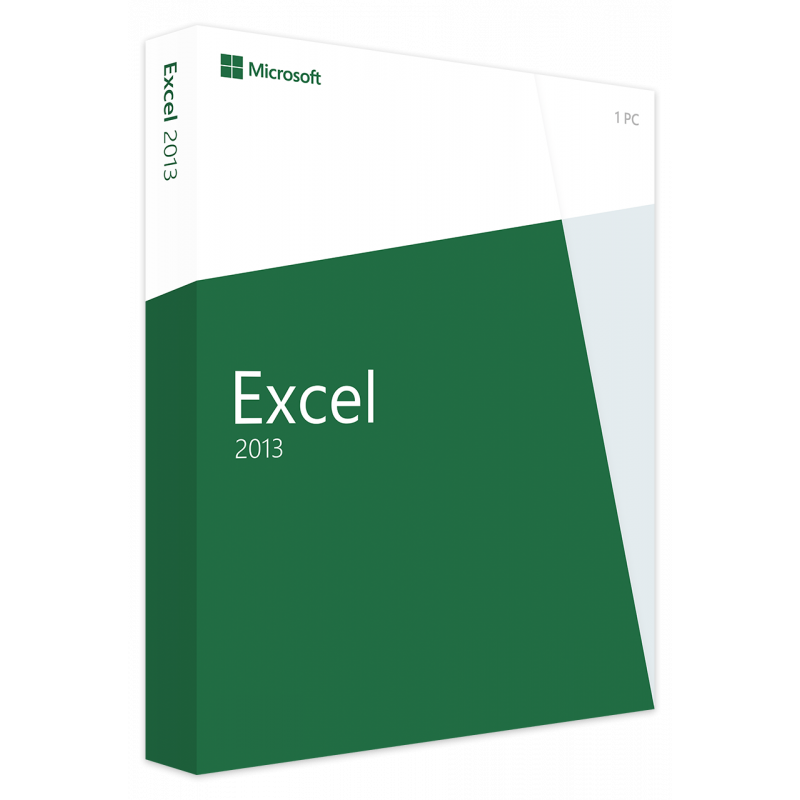

Compared to previous versions, a single application from the Microsoft Office suite provides an improved user interface that allows you to edit and create tables on your smartphone in addition to your computer.












- Instant activation
Delivery with tutorial via e-mail - Safe shopping
30 days right of return & SSL encryption - Technical support
We help you Free of Charge

All you need to do is purchase the desired software activation, and you will immediately receive an email with your activation key and instructions. Then, install the software using our illustrated step-by-step guide and complete the activation with your key.
Your activated software in 3 easy steps:
-

Buy
Purchase securely with SSL encryption and protected payment methods.
-

Install
Install the software using the provided instructions.
-

Activate
Activate the software using the key from our email.
Why we are the right choice for you!
With us, you purchase original software activations at low prices without compromising on service. Should you encounter any issues despite our detailed instructions, our IT experts are, of course, at your disposal and will be happy to help you via live chat or email—if necessary, even via remote maintenance!
Furthermore, you are on the safe side with our products. As part of our commercial duty of inspection, we regularly check the offered goods for their activatability.
Do you have questions about the software activations offered or do you need a custom quote? Simply contact us via the contact form or our live chat, and we will be happy to assist you with your selection.

What you need to know about requirements?
Here you will find an overview of the most important requirements and product details. Please check them before buying to avoid installation problems.
| Validity Time | time-unlimited activation |
| Devices | 1 |
| Operating System | Windows 10 |
| Download | preconfigured Office Deployment Tool |
| Processor | 1,6 GHz |
| RAM-Memory | 2 GB (32 Bit), 4 GB (64 Bit) |
| Graphic requirements | 1280 x 768, DirectX 9 mit WDDM 2.0 |
Microsoft Excel 2013 marked a significant turning point in the development of spreadsheets by shifting the focus away from pure data entry toward intuitive, intelligent data analysis. As part of the Office 2013 suite, this version introduced a modernized, clean user interface specifically designed to assist users in tackling complex tasks without overwhelming them with technical details. One of the standout features is Flash Fill. This function recognizes patterns in data entry and automatically completes the rest of the column – a blessing for anyone who has ever had to laboriously separate first names from last names or manually correct date formats. This is complemented by the Quick Analysis tool, which appears as soon as a data range is selected. With just two clicks, conditional formatting, charts, or tables can be created, significantly accelerating the workflow. Graphical presentation was also revolutionized. The "Recommended Charts" feature analyzes selected data and proactively suggests the visualizations that best represent the information at hand. For professional users, powerful add-ins like Power Pivot and Power View were directly integrated or made more accessible, transforming Excel 2013 into a true business intelligence tool. Another decisive step was the closer connection to the cloud via OneDrive. This made it a standard for the first time to not only save spreadsheets locally but to share them across devices and work on them simultaneously with others in a web browser.

Activation Microsoft Word 2013
Microsoft Word 2013
Microsoft Office
Microsoft
Microsoft Office
14
376
376__Typ - Aktivierung aus Volumenvertrag (EU)
260
Activation key only
No license to use
Activation Microsoft Word 2016
Microsoft Word 2016
Microsoft Office
Microsoft
Microsoft Office
14
422
422__Typ - Aktivierung aus Volumenvertrag (EU)
261
Activation key only
No license to use
Activation Microsoft Powerpoint 2013
Microsoft Powerpoint 2013
Microsoft Office
Microsoft
Microsoft Office
14
379
379__Typ - Aktivierung aus Volumenvertrag (EU)
263
Activation key only
No license to use
Activation Microsoft Word 2010
Microsoft Word 2010
Microsoft Office
Microsoft
Microsoft Office
14
378
378__Typ - Aktivierung aus Volumenvertrag (EU)
262
Activation key only
No license to use